
ChatGPT GIF Prompts for Photos, Pets & Reaction Loops
Choose one subject and one small movement. These prompts are starting points to try in ChatGPT, not a gallery of tested results or a guarantee of a specific output. GIF creation is rolling out, so availability can vary. GifEmoji is an independent tool and is not affiliated with OpenAI.
Read the ChatGPT GIF walkthrough or choose a preset template.
How to customize a GIF prompt
- Choose text only or attach a still image you may use.
- Keep one subject, one small action and a fixed camera.
- Ask for a looping GIF, then inspect identity and the transition before saving.
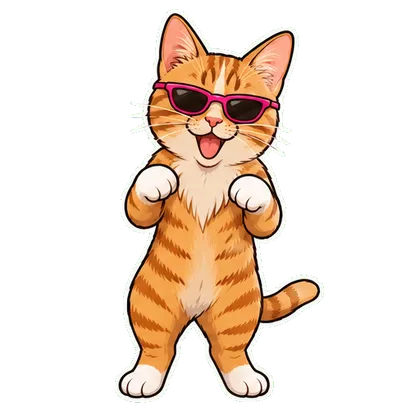
A small dancing-cat loop
Start with: A full-body photo of your cat, with paws and tail visible.
Using the attached still photo as a reference, create a short looping GIF of this cat doing a gentle two-step dance. Preserve its fur markings, eye color and body proportions. Keep the full body in frame, the camera still and the background simple. Use one small repeated movement that returns naturally to the starting pose. Do not add text, logos or other characters.
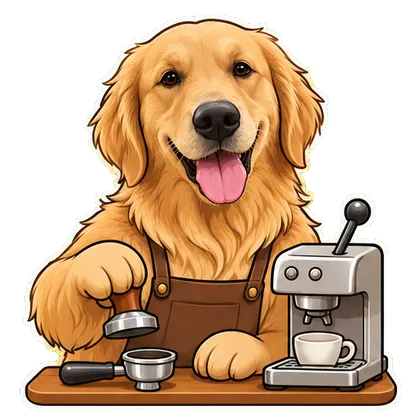
Your dog’s coffee shift
Start with: A dog photo showing its face and upper body.
Create a short looping GIF using the dog in my attached still photo as the reference. Show a fictional barista dog gently moving a small coffee cup on a counter. Keep its face and coat markings recognizable and its paws readable. Use a fixed camera and one repeated action, ending in the opening pose. No text, logos or soundtrack.
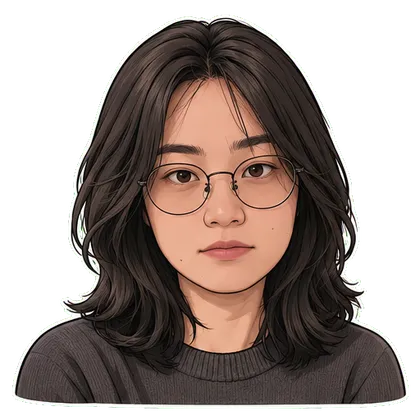
An unimpressed side eye
Start with: A forward-facing portrait with both eyes visible, used with consent.
Make a short looping GIF based on the attached portrait: the subject slowly glances sideways, raises one eyebrow and returns to the starting expression. Keep the head mostly still and preserve the person’s facial features, hairstyle and glasses. Use a simple background and a fixed camera. No captions or additional people.
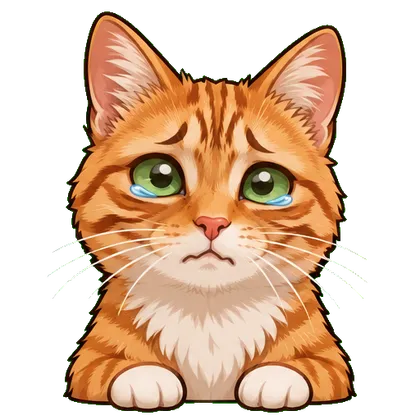
Smiling through tears
Start with: A clear face photo you have permission to animate.
Using this still portrait as a reference, create a short playful looping GIF of the subject smiling through exaggerated cartoon tears. Preserve identity and keep the face readable. Use a small, gentle motion with a fixed camera, returning to the starting pose. Make it clearly a fictional reaction, with no text or logos.
A laughing reaction
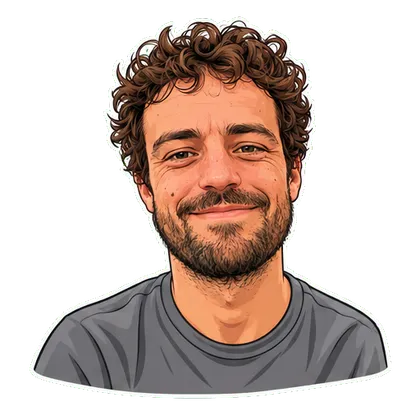
Start with: A sharp portrait with the mouth and eyes unobstructed.
Create a short looping GIF of the person in this reference photo going from a small smile to a brief laugh and back. Preserve their facial structure, hair and clothing. Keep the movement subtle, the camera fixed and the face fully visible. Use no text, sound or extra characters.
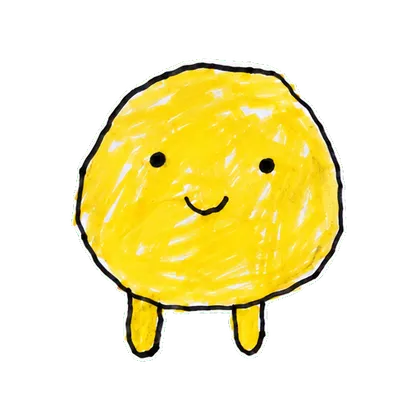
Make an original drawing wave
Start with: A clean scan or photo of your own character artwork.
Animate the original character in this attached drawing as a short looping GIF. Have it wave one hand and return to the original pose. Keep the same line style, colors, silhouette and proportions. Use a fixed camera and a plain background. Do not add limbs, text or new characters.
A mascot thumbs-up
Start with: Original mascot artwork you own or are allowed to animate.
Using my attached original mascot as the reference, create a short looping GIF of a single thumbs-up gesture. Preserve its silhouette, brand colors and facial features. Keep the character centered with space around the hands. Return naturally to the opening pose. Do not add text or redraw a logo.
A tiny paper-boat loop
Start with: Text only in ChatGPT; this scene has no matching preset on GifEmoji.
Create a short looping GIF of one original paper boat gently bobbing on calm water. Use soft light, a fixed camera and subtle repeating ripples. Keep the boat’s shape consistent and make the final motion return naturally to the starting position. No text, logos or scene cuts.
Steam rising from a cup
Start with: A still photo of a cup you have permission to use; try this in ChatGPT.
Using this still photo as a reference, create a short looping GIF where only the steam above the cup gently moves. Keep the cup, table, background and camera still. Use a subtle motion with a natural repeating cycle. Preserve the original composition and add no text or logos.
Refine one thing at a time
Ask for a smaller movement if the subject changes shape. Ask for a fixed camera if the scene drifts. Compare the whole loop with your reference; prompts do not guarantee identity or a seamless result. For a GIF ChatGPT created, describe a change in the conversation and use the available playback controls.
Questions before you start
Can I paste these prompts into GifEmoji?
GifEmoji currently uses preset templates rather than a free-text prompt box. Use Copy prompt for ChatGPT, or choose the corresponding photo template linked below.
Why does the loop look different from my reference?
Generative animation can change identity, edges and small details. Use one clear reference and a small action, then compare the full loop with the original.
Can I edit an animated GIF I upload to ChatGPT?
OpenAI’s current help page says uploaded animated GIFs cannot be edited. Start from a still image, or request changes to a GIF ChatGPT created.
Feature availability checked November 5, 2026: OpenAI’s official ChatGPT Images help. The example prompts are original starting points, not official OpenAI prompts.