
AI GIF Templates for Photos, Pets & Drawings
Start with the kind of image you have, then pick one clear motion. Face reactions suit a portrait, dancing needs a full-body pet reference, and a wave works well for an original character. These are style illustrations; public generation is still being tested.
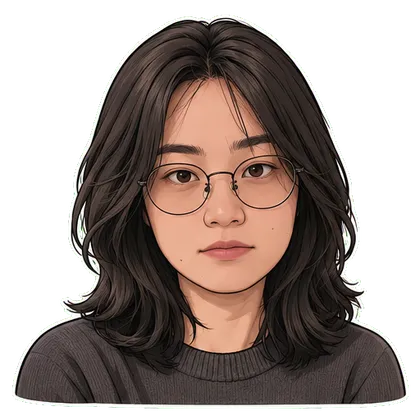
Side Eye
First download free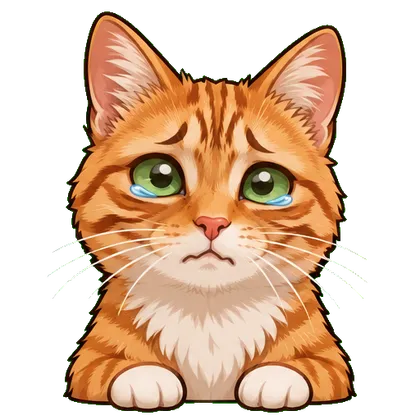
Crying
First download free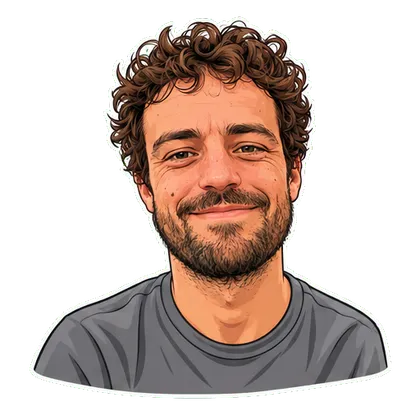
Laughing
First download free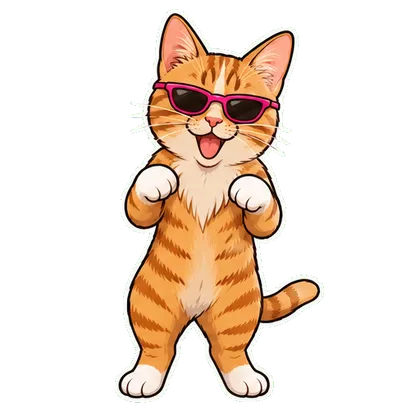
Dancing Pet
Free MP4 with watermark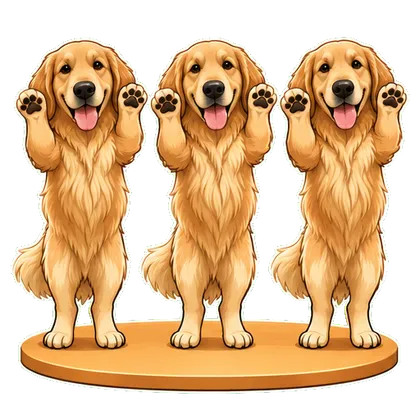
Pet Trio Dance
Free MP4 with watermark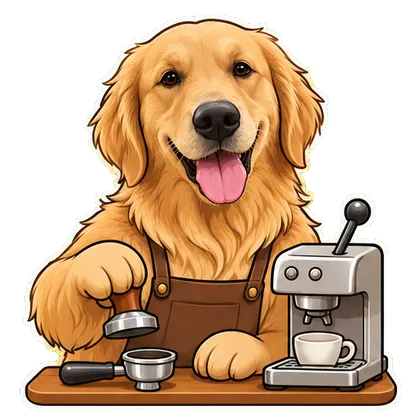
My Pet Has a Job
Free MP4 with watermark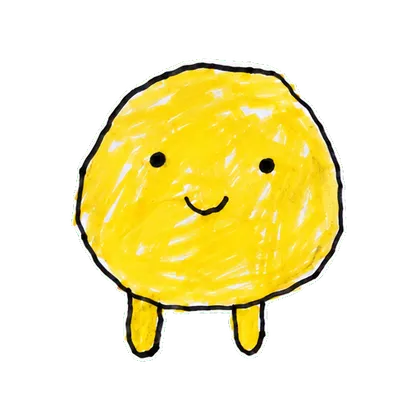
Your Character → GIF
First download free
Stock Market Mood
First download freePrefer to write a prompt? Browse GIF prompts
From an idea to a loop
- Choose a portrait, a pet photo or an original drawing you are allowed to use.
- Pick the matching effect below; each card opens its own upload tool and settings.
- Review the resulting loop and choose the GIF export when it is available.
Questions before you start
Do I need to write an AI GIF prompt?
No. These templates provide fixed motions and selectable styles. For a custom idea in ChatGPT, use the separate prompt library.
How do I choose a suitable template?
Use a clear face for reactions, a full-body reference for dancing, and original character art for waving or jumping. Avoid choosing a pet-only effect for a person’s portrait.
Are these the most popular templates this week?
This is a curated catalog, not a measured popularity ranking. We do not have verified live trend or usage counts for these effects.
Want a whole set of expressions?
A single meme makes one moment. A sticker pack gives you a coordinated set for everyday conversations.
Explore animated sticker packs