
AI Meme Templates & Viral-Style GIF Maker
Find the joke first: a dog taking a barista shift, a dancing cat, an exaggerated cry or one unimpressed glance. Each effect has its own photo requirements and tool page. Viral-style describes the format, not a promise of views or shares. Public generation is still being tested.
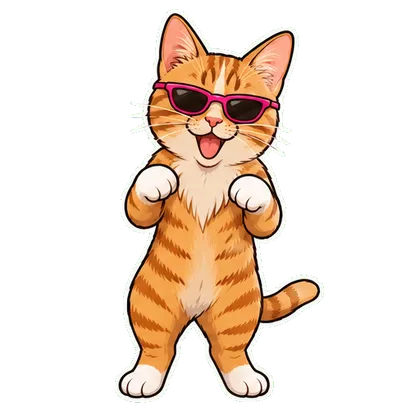
Dancing Pet
Free MP4 with watermark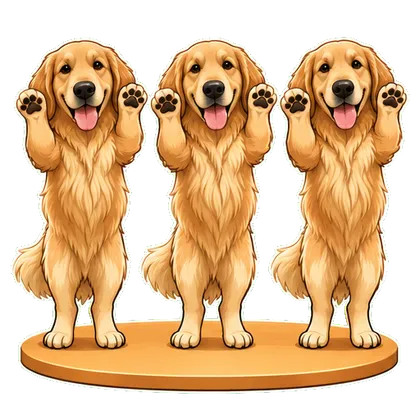
Pet Trio Dance
Free MP4 with watermark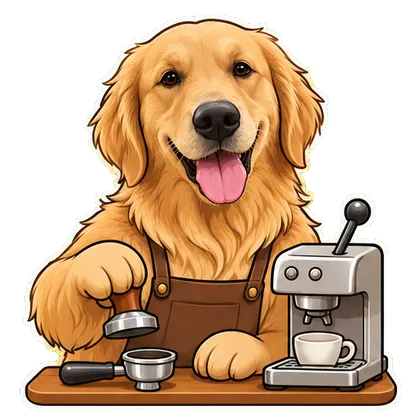
My Pet Has a Job
Free MP4 with watermark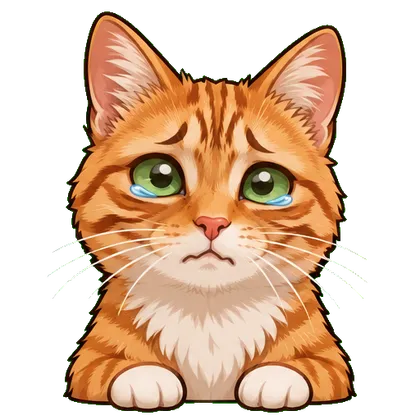
Crying
First download free
Side Eye
First download free
Laughing
First download free
Stock Market Mood
First download freePrefer to write a prompt? Browse GIF prompts
From an idea to a loop
- Pick the reaction or pet scene that fits your joke rather than uploading to a generic video editor.
- Open its tool, add a photo you may use and choose the available style or action.
- Review the animation before sharing a GIF in chat or an available MP4 on social platforms.
Questions before you start
Can a template guarantee a viral GIF?
No. These are original meme-style effects, not a guarantee of reach. The photo, joke and audience all affect whether people share it.
Does this copy someone else’s TikTok video or song?
No. The templates use your reference for an original motion. They do not copy another creator’s footage or include a licensed soundtrack.
How is a meme GIF different from a sticker pack?
A meme is one scene or reaction. A sticker pack is a coordinated set of expressions prepared for a chat platform. Start with one effect, then explore a pack if you want more reactions.
Want a whole set of expressions?
A single meme makes one moment. A sticker pack gives you a coordinated set for everyday conversations.
Explore animated sticker packs