
Make it in three steps
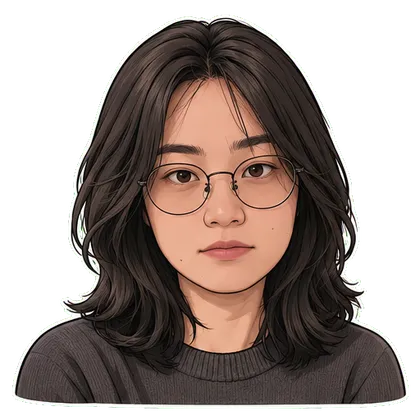
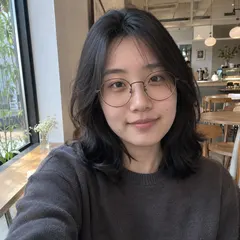
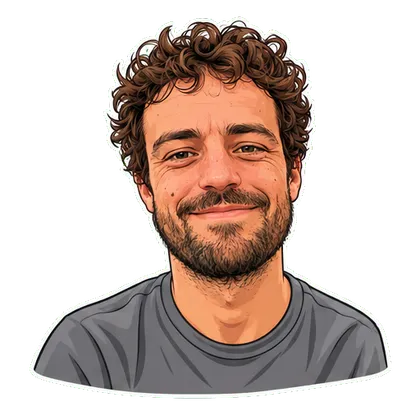
- Choose one effect that matches your portrait, pet photo or original drawing.
- Upload an image you have permission to use and select the available style or action.
- Review identity and the complete loop, then download the GIF when your creation is ready.
From download to your chat
- Telegram
- Use the WebM video sticker export. Direct bot import is still being tested; follow the Telegram guide for the manual route.
- Download WhatsApp-ready WebP files, then use a compatible sticker importer. A website download does not install a whole pack. See the import steps.
- iMessage & social video
- Share GIFs in messages or an available silent MP4 on social platforms. Native iMessage sticker-pack installation is not available in this web version.
Questions before you start
Does image to GIF mean converting a still photo into moving content?
Yes. This AI GIF maker from photo uses your still image as a reference for a selected motion. It is not a slideshow, a video-to-GIF converter or a way to animate any arbitrary instruction.
Can I turn any photo into an animated GIF?
Choose a template that suits the reference: a face for reactions, a full-body pet for dancing or original artwork for character motion. AI may change details, so inspect the result before sharing.
Can I type my own motion, change speed or edit frames here?
This version offers preset effects and styles. It does not offer a free-text motion prompt, playback-speed editor or individual-frame editing. The separate ChatGPT guide explains that product’s current options.
Is photo-to-GIF generation available now?
Public generation is still being tested. You can explore the template controls and sample illustrations; a sample is not generated from your upload. Download availability and credits are shown in the selected template flow.
Try another idea with your photo
ChatGPT GIF Generator: How to Make a Loop from Text or a Photo