




 +13

Make it in three steps
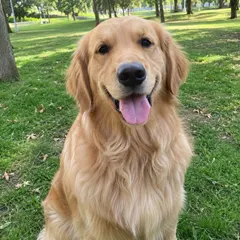
- Pick a cat photo with visible paws, face and distinctive fur markings.
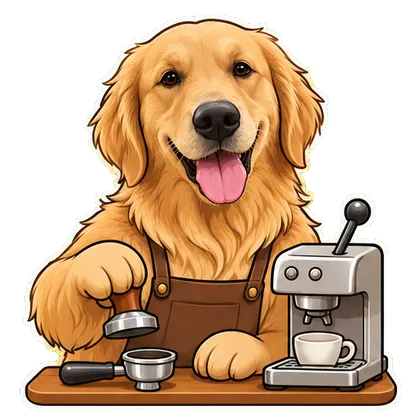
- Keep Chef selected for a repeated kitchen-work motion.
- Inspect paws, utensils and the face before downloading the available loop.
From download to your chat
- Telegram
- Use the WebM video sticker export. Direct bot import is still being tested; follow the Telegram guide for the manual route.
- Download WhatsApp-ready WebP files, then use a compatible sticker importer. A website download does not install a whole pack. See the import steps.
- iMessage & social video
- Share GIFs in messages or an available silent MP4 on social platforms. Native iMessage sticker-pack installation is not available in this web version.
Questions before you start
Will this page start with coffee making?
No. It uses the pet-job template with Chef selected. Barista remains an optional change in the workspace.
Should I photograph my cat in a kitchen?
A clear, safe reference photo is enough. The fictional kitchen action is generated; you do not need to stage your cat with kitchen tools.